
Artificial intelligence (AI) is transforming the way websites are designed, prototyped, and developed. From generating wireframes and UI layouts to creating website copy and code snippets, AI tools can significantly reduce Web Design project timelines and improve productivity.
Whether you’re a freelance web designer, WordPress developer, digital agency, or startup founder, these AI-powered web design tools can help you create professional websites faster while maintaining quality and consistency.
1. Figma AI
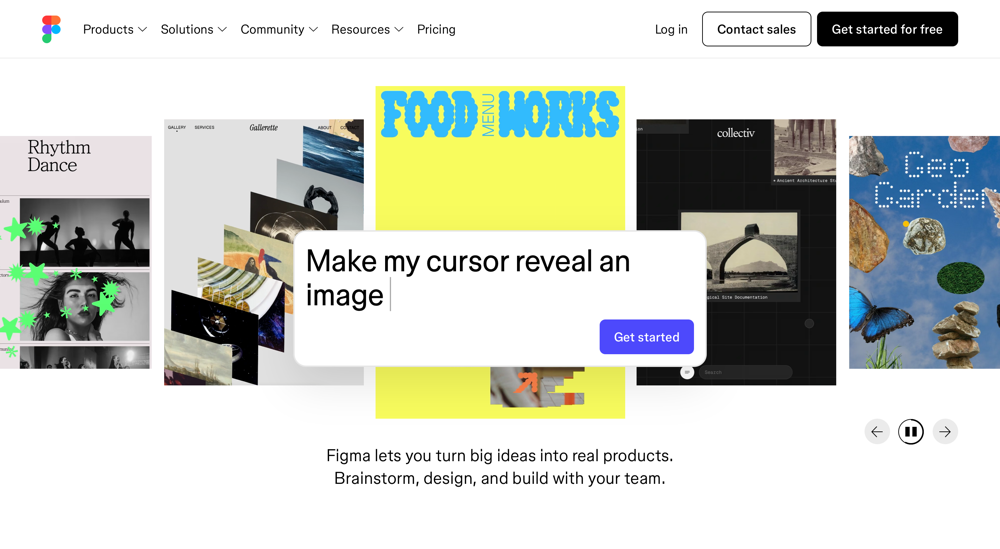
Figma AI helps designers generate layouts, create UI components, rename layers, generate content, and accelerate design workflows directly inside Figma. For agencies handling multiple client projects, it reduces repetitive design tasks and allows teams to focus more on creativity and user experience. Freelancers can quickly create website mockups, landing pages, and design systems without starting from scratch.
Pricing
- Free plan available
- Professional plan starts at approximately $15/month
Pros
- Integrated directly into Figma
- Speeds up UI and wireframe creation
- Great for collaborative teams
- Easy learning curve
Cons
- Some AI features require paid plans
- Generated layouts still need designer review
2. Framer AI

Framer AI allows users to generate complete website designs from simple text prompts. It can create landing pages, marketing websites, startup websites, and portfolio designs within minutes. Agencies use it to build concepts quickly, while freelancers can rapidly produce client mockups and launch-ready prototypes.
Pricing
- Free plan available
- Paid plans start around $10/month
Pros
- Fast website generation
- Modern responsive layouts
- Excellent for landing pages
- Easy publishing workflow
Cons
- Limited customization compared to custom coding
- Complex projects may require manual adjustments
3. Relume AI

Relume AI generates complete website sitemaps, wireframes, and content structures from a brief project description. It is particularly useful during the planning phase of web design projects. Agencies can use Relume to create client proposals and website structures before moving into detailed design.
Pricing
- Paid plans start around $38/month
Pros
- Excellent sitemap generation
- Creates structured wireframes
- Saves planning time
- Ideal for client presentations
Cons
- No complete website development features
- Requires additional design tools
4. Uizard
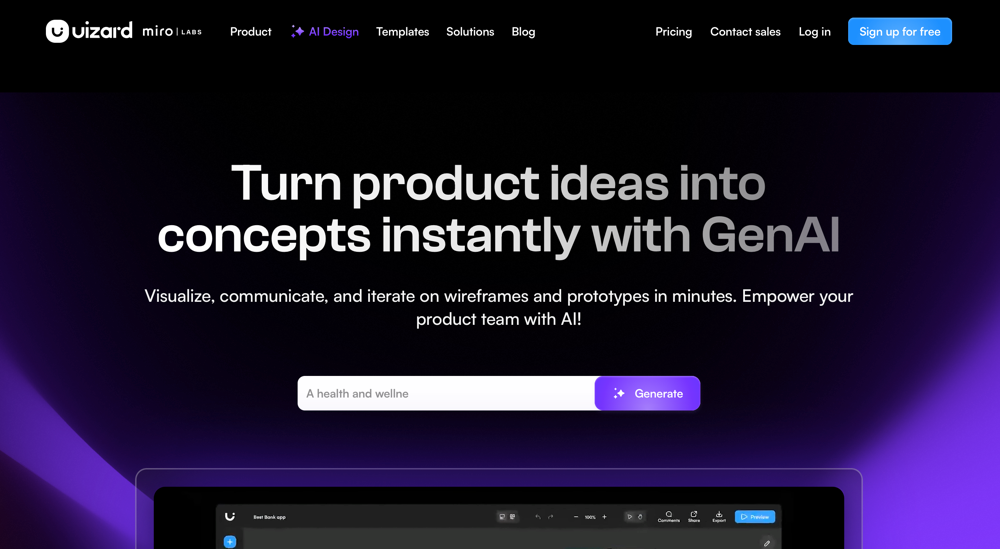
Uizard AI transforms text prompts, sketches, and screenshots into editable UI designs. Freelancers and agencies can rapidly create website concepts, dashboards, and mobile app interfaces without extensive design experience. Its AI-powered generation tools are especially useful for early-stage projects and client validation.
Pricing
- Free plan available
- Paid plans start around $12/month
Pros
- Beginner-friendly
- Fast prototyping
- Converts sketches into designs
- Good collaboration features
Cons
- Limited advanced design capabilities
- Not ideal for highly customized projects
5. Galileo AI

Galileo AI creates polished UI designs from natural language prompts. It generates modern layouts, components, and user interface designs suitable for websites and web applications. Agencies often use Galileo AI to accelerate design exploration and generate multiple concepts quickly.
Pricing
- Paid plans start around $19/month
Pros
- High-quality UI outputs
- Modern design patterns
- Great for idea generation
- Saves design time
Cons
- Requires refinement by experienced designers
- Limited export flexibility
6. ChatGPT

ChatGPT is one of the most versatile AI tools available for web designers. It can generate website copy, UX content, HTML snippets, CSS code, JavaScript functions, SEO metadata, accessibility recommendations, and content strategies. Agencies and freelancers use it throughout the entire website creation process.
Pricing
- Free plan available
- Plus plan starts at $20/month
Pros
- Excellent content generation
- Assists with coding
- Helpful for SEO optimization
- Supports multiple workflows
Cons
- Requires quality prompts
- Code output should always be reviewed
7. Claude

Claude AI is a powerful AI assistant known for handling large documents and detailed website planning. Agencies often use Claude for content strategy, information architecture, technical documentation, and large-scale content generation projects.
Pricing
- Free plan available
- Pro plan starts around $20/month
Pros
- Excellent long-form content generation
- Strong reasoning capabilities
- Great for planning projects
- Handles large documents
Cons
- Less design-focused than dedicated design tools
- Requires external design software
8. Midjourney
Midjourney helps web designers generate custom website visuals, hero images, illustrations, marketing graphics, and concept artwork. Instead of relying on stock photos, agencies can create unique visuals tailored to a client’s brand identity.
Pricing
- Paid plans start around $10/month
Pros
- Exceptional image quality
- Unique visual styles
- Great for branding projects
- Fast image generation
Cons
- Requires prompt experimentation
- Images may need editing before use
9. Bolt.new

Bolt.new enables users to generate complete web applications and website code using AI prompts. It is popular among startups, freelancers, and agencies looking to accelerate development and prototype ideas quickly.
Pricing
- Free usage available
- Paid plans start around $20/month
Pros
- Fast code generation
- Supports modern frameworks
- Useful for MVP projects
- Rapid prototyping
Cons
- Generated code often requires optimization
- Complex projects need developer review
10. Lovable
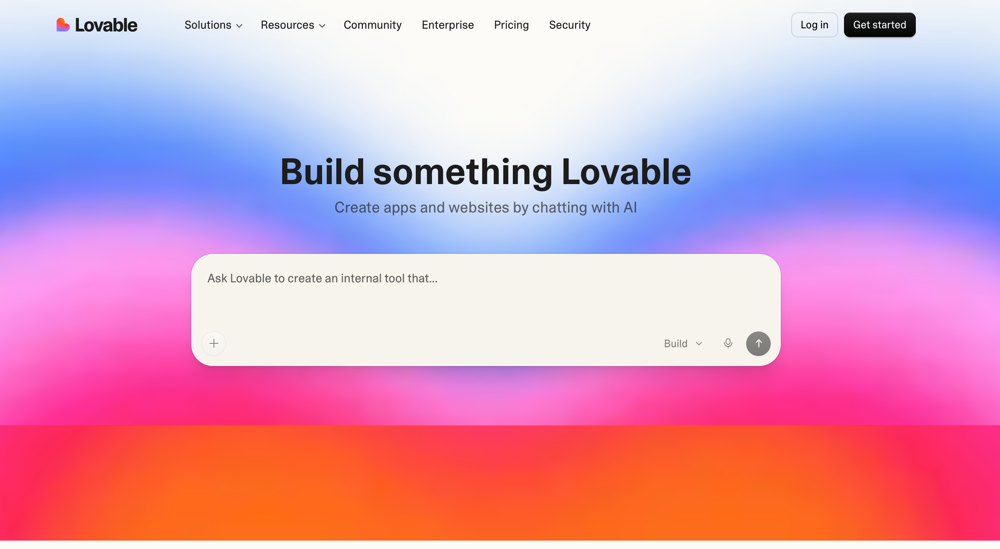
Lovable allows users to generate websites and applications from simple prompts and then refine them through conversation. It has gained popularity among designers and entrepreneurs who want to quickly move from an idea to a working prototype.
Pricing
- Free plan available
- Paid plans start around $20/month
Pros
- Very fast project creation
- Easy-to-use interface
- Suitable for non-technical users
- Great for MVP development
Cons
- Custom development may still be required
- Not ideal for enterprise-level projects
Are AI Web Design Builders Enough?
AI web design tools can generate layouts, wireframes, prototypes, content, and even code. However, most AI-generated websites still require professional review for performance optimization, SEO implementation, accessibility compliance, security, responsiveness, and custom functionality.
For businesses that want a professional, scalable, and search-engine-friendly website, combining AI-generated designs with expert human development often produces the best results.
Turn AI Designs into Production-Ready Websites with Web Design Studio
AI tools can help generate website concepts quickly, but launching a professional website still requires clean code, performance optimization, SEO best practices, and thorough testing.
Web Design Studio helps agencies, startups, and business owners convert AI-generated designs from tools like Figma AI, Framer AI, Relume, Uizard, Galileo AI, Lovable, and Bolt.new into high-quality HTML, CSS, WordPress, and custom-coded websites.
Our team combines the speed of AI with manual development expertise to create fast-loading, responsive, SEO-friendly websites that are ready for launch. Whether you need a custom HTML website, WordPress conversion, or a complete website rebuild, we can help you move from AI-generated concepts to a live website in a short timeframe.
Frequently Asked Questions:
What are the best AI tools for web design?
The most popular AI web design tools in 2026 include Figma AI, Framer AI, Relume AI, ChatGPT, Claude, Uizard, Midjourney, Bolt.new, and Lovable. These tools help designers create wireframes, layouts, content, images, and code more quickly.
Can AI build a complete website?
Yes, AI can generate website layouts, content, and code. However, most AI-generated websites still need professional review for SEO, performance, accessibility, and custom functionality before they are ready for launch.
Is AI-generated web design good for SEO?
AI-generated websites can rank well if they are optimized correctly. Technical SEO, page speed, metadata, internal linking, and high-quality content remain important ranking factors.
Which AI tool is best for freelance web designers?
Figma AI, Framer AI, and ChatGPT are popular choices for freelancers. Together, they help speed up design, content creation, and development tasks while reducing project turnaround times.
Can Web Design Studio convert AI designs into WordPress?
Yes. Web Design Studio converts AI-generated designs from Figma, Framer, Relume, Lovable, Bolt.new, and other tools into fast, responsive, SEO-friendly WordPress and HTML websites.
Will AI replace web designers?
No. AI helps automate repetitive tasks, but web designers are still needed for strategy, branding, UX design, SEO, and custom development.